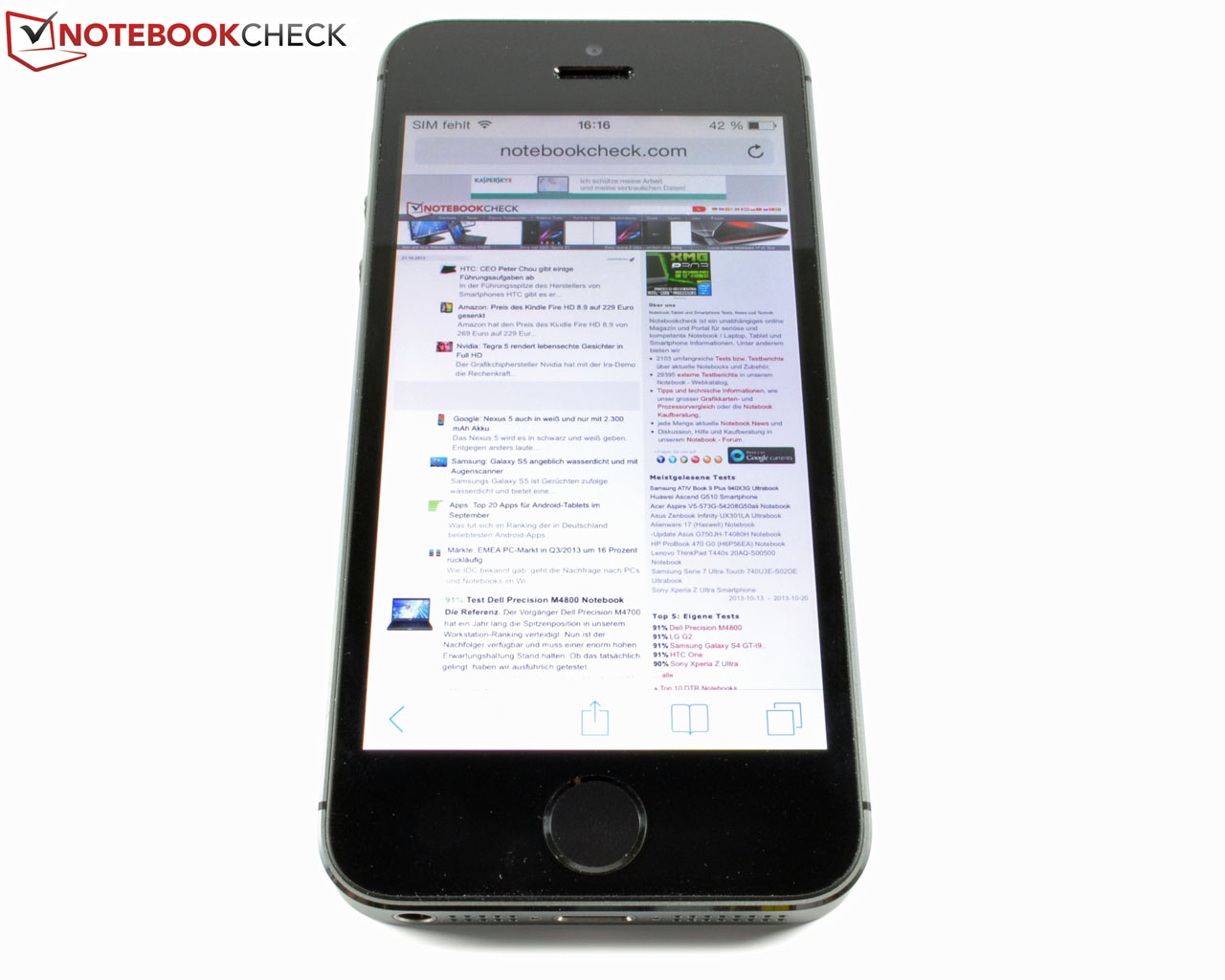
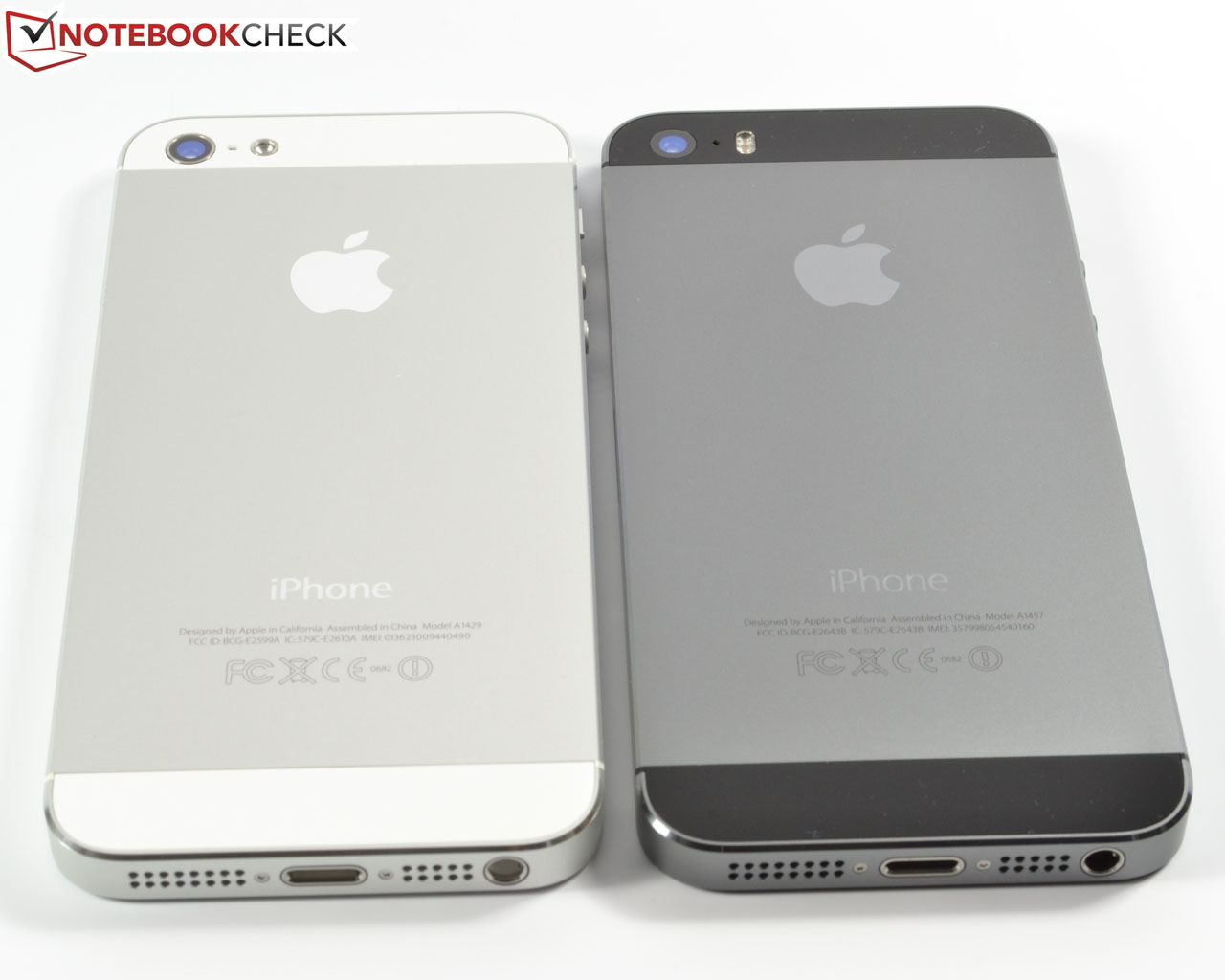
Fall is Apple season. One year after the iPhone 5, Apple releases its direct successor, the iPhone 5s. In terms of looks, this is not much more than a mere cosmetic update - the 4-inch IPS display and the chassis remain unchanged. There is only one notable exception, as the new home button now ships with a fingerprint sensor. More updates can be found when examining the iPhone 5s' innards: The new A7 SoC turns Apple's new flagship into one of the fastest smartphones out there. Still, is all of this sufficient to defend the top spot?


Case
Connectivity
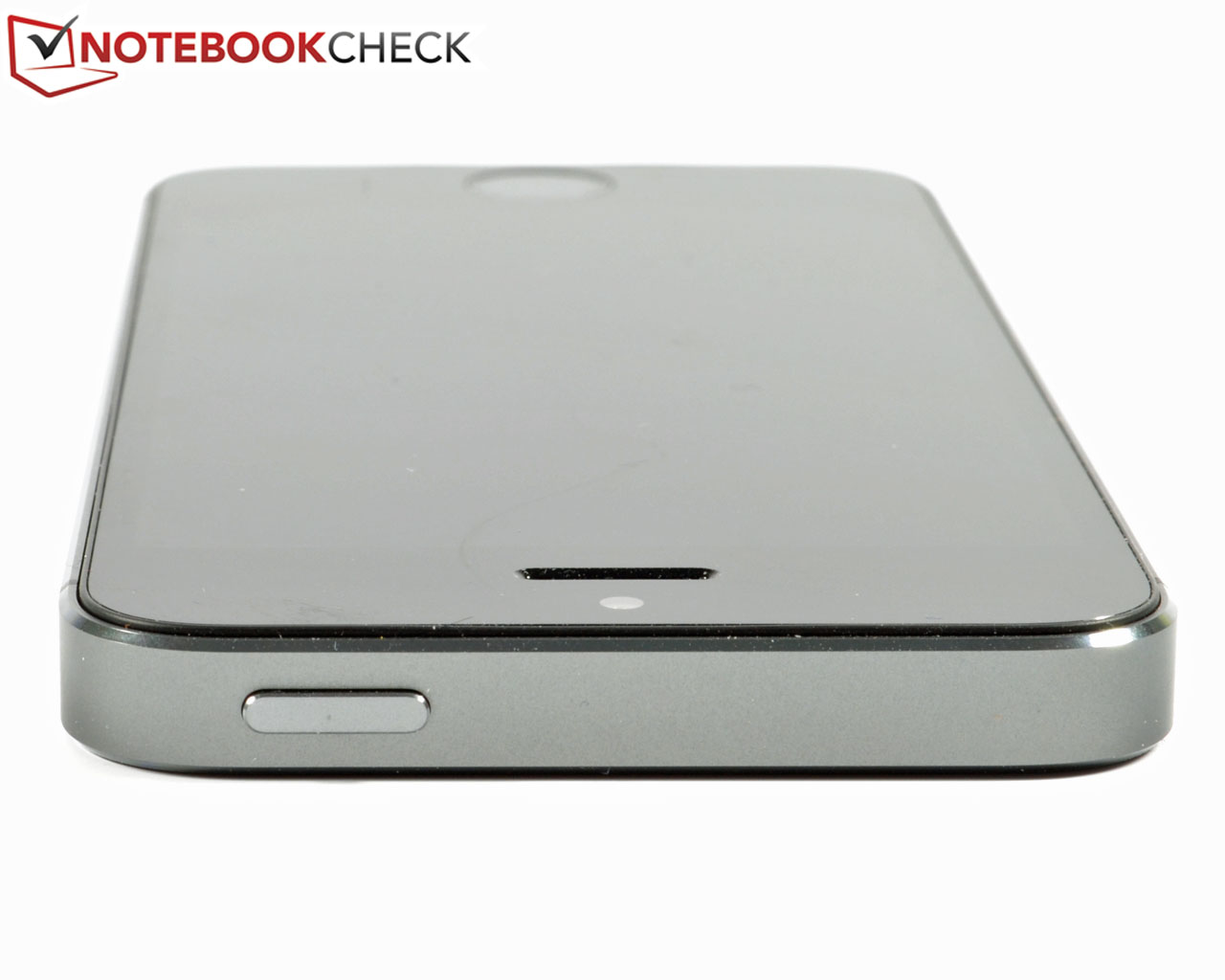
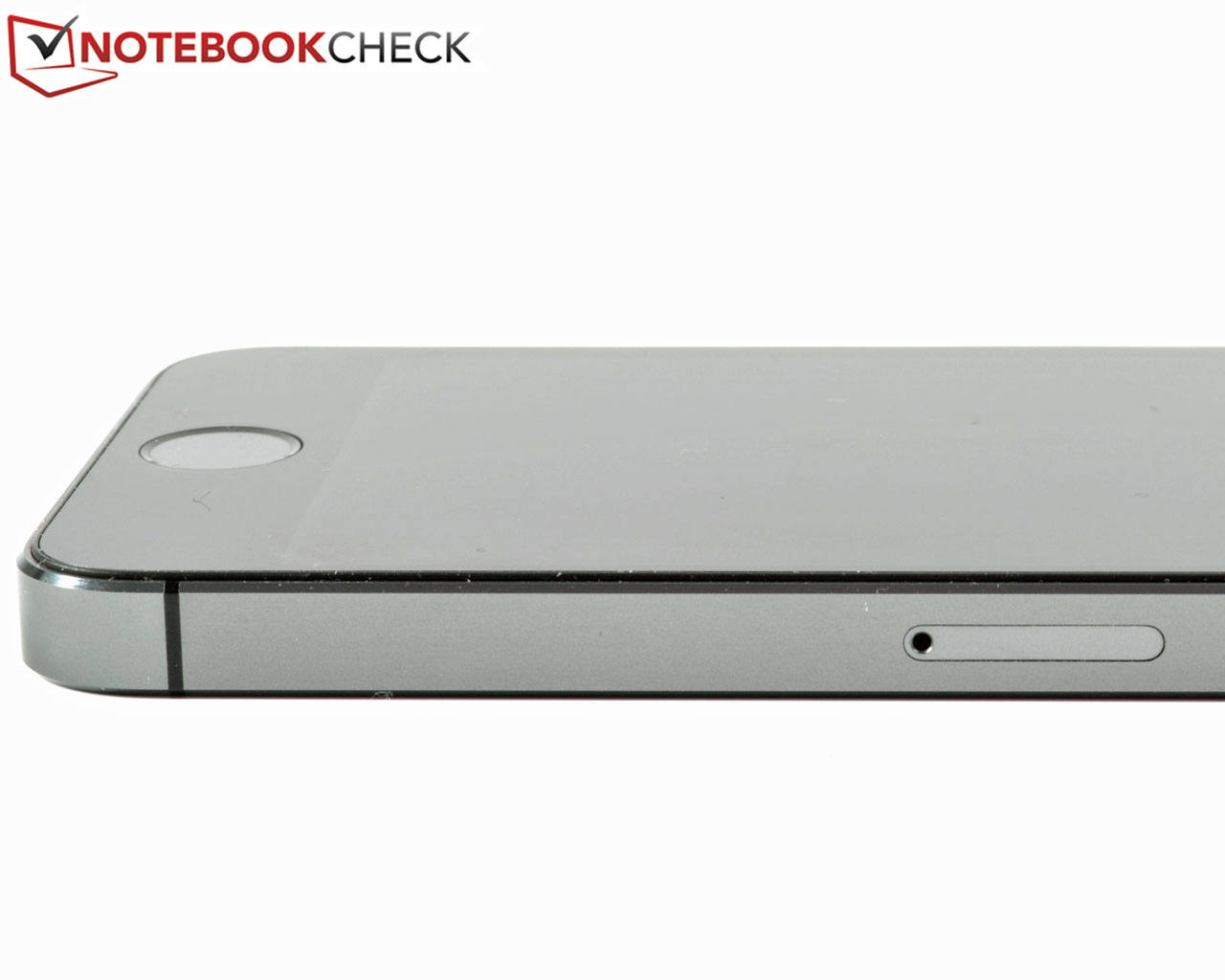
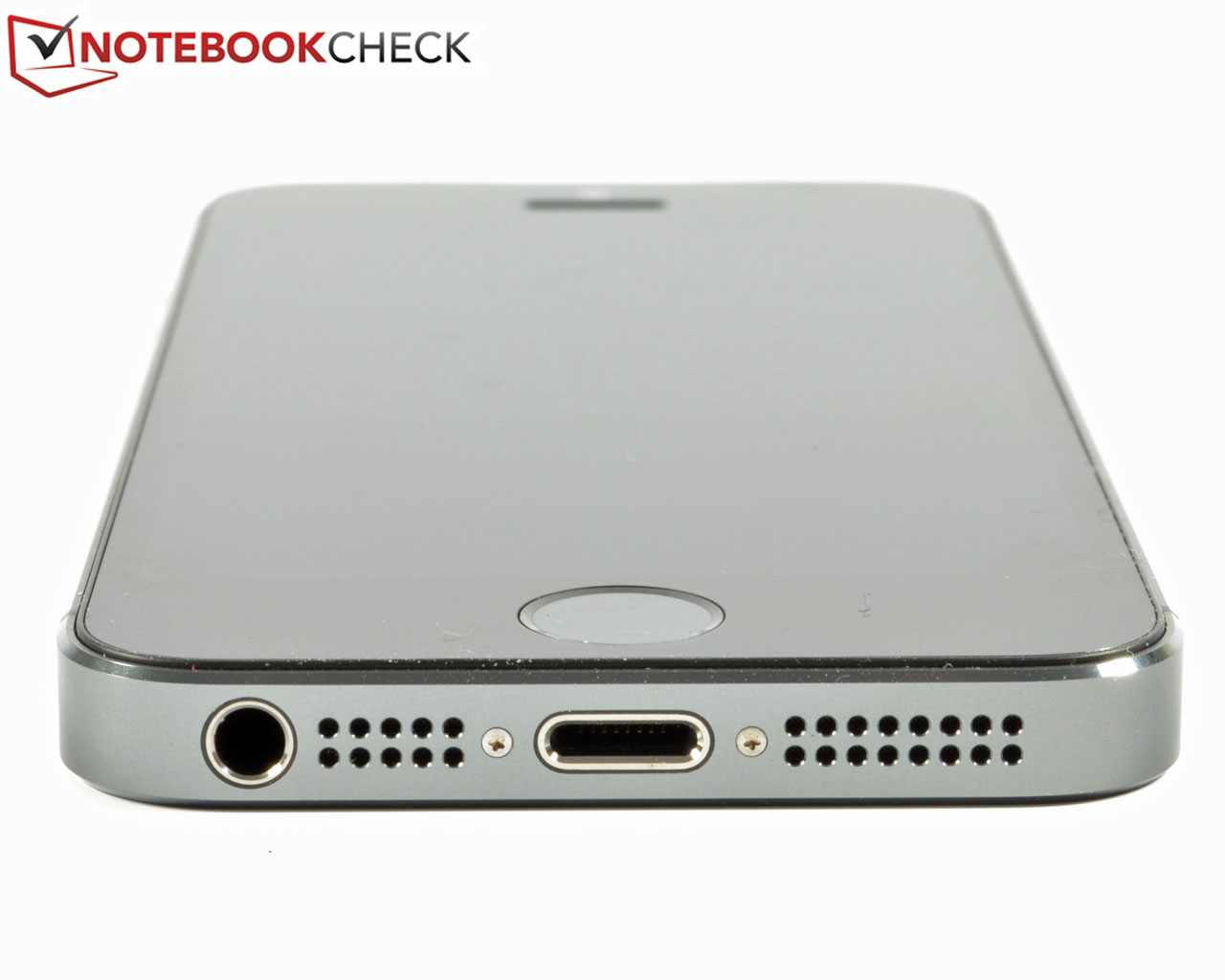
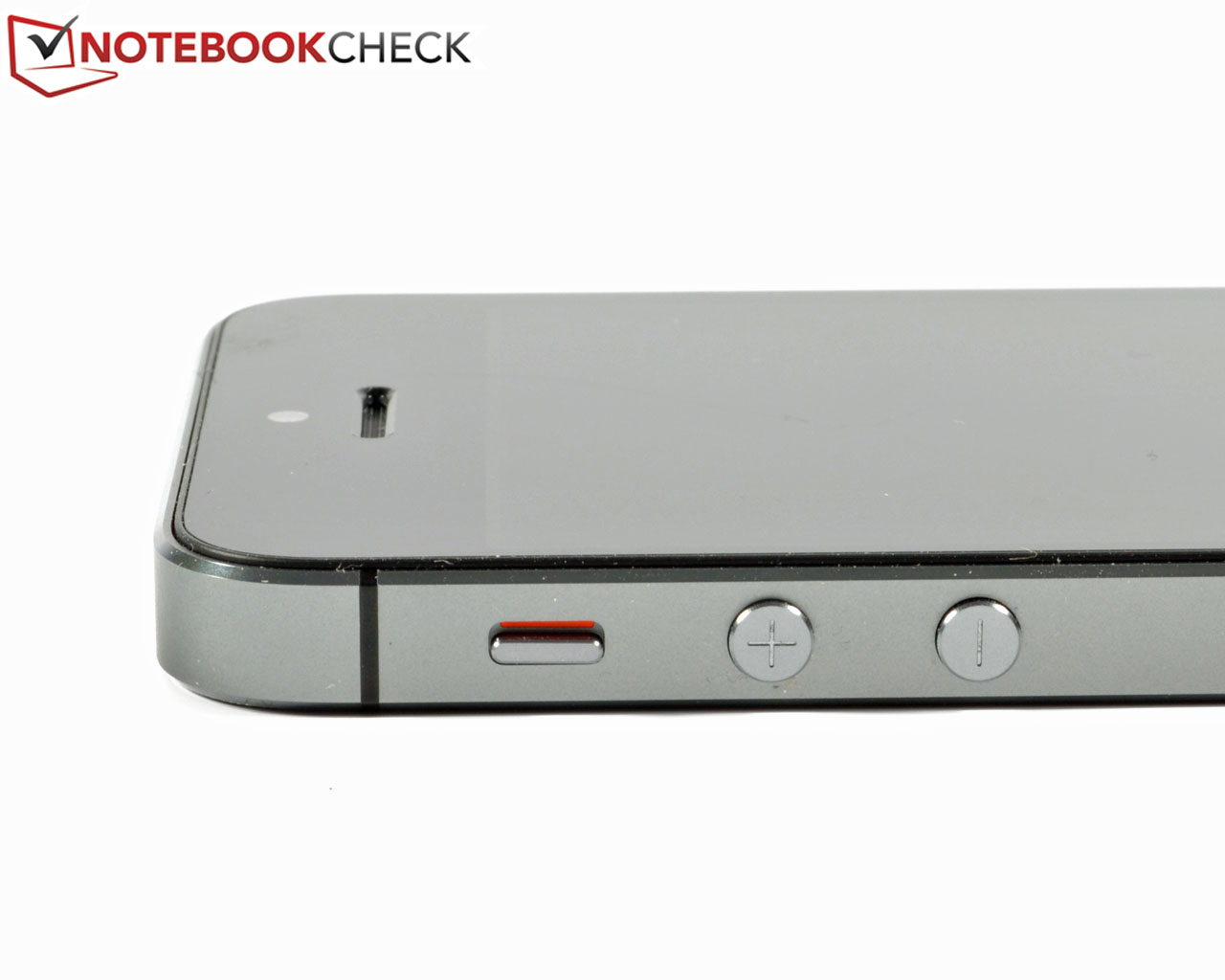
If there is any aspect where Apple comes up short, it is in terms of ports. Next to the 3.5 mm audio jack and the Lightning Port (both at the bottom of the phone), there is only the Nano SIM card slot at the right. If the user wants to use a micro USB charging cable? It is 19 Euros (~$26) for a Lightning-to-micro USB 2.0 adapter (something that should have been included, given the feeble selection of free accessories). The usual iPhone buttons, ranging from the volume rocker and the mute button on the left to the power button on top are still there, unchanged from the iPhone 5. Only the revamped Home Button with Touch ID is new, but more about that later.

Communication & GPS
As it did with the recently tested iPhone 5c, Apple has built a new wireless modem into its iPhone 5s, capable of supporting more LTE bands than before: Four GSM and five UMTS frequencies should be sufficient to cover most of the world. Again, more details about this can be found in our iPhone 5c review article.
The Wi-Fi module supports the 802.11a/b/g/n standard. It however, does not support the new ac-standard. During our tests, our iPhone 5s had to connect to a router from which it was separated by 10 meters (~33 feet) and three walls. The results are encouraging: Two to three (of three) bars, depending on the exact location in the room, is slightly better than what we see with the iPhone 5, and ever so slightly ahead of the Nokia Lumia 920. The only competitor that trumps the iPhone 5s in this regard is the Blackberry Z10.
Similar to what we did with our reviews of the Samsung Galaxy S4 and the iPhone 5c, we have taken the iPhone 5s on a bicycle ride through agricultural areas, dotted with some forests, letting it compete against a full-blown GPS navigation system made by Garmin. The resulting data points are visualized using the Fitness program Runtastic.
Surprisingly, the GPS module used in the iPhone 5s is even more precise than the already great one in the iPhone 5c - and, at times, far ahead of the competition from Garmin. This may very well be due to Apple's new M7 Motion co-processor as well, since it serves as a sensor hub, constantly interpreting the incoming data collected by the compass, the gyroscope and the acceleration sensor with the help of the Core Motion API of iOS 7. This helps in putting less strain on the A7 SoC, improving battery life in the process. It is actually smart enough to recognize when a driver exits his or her car and continues on foot, switching over to walking mode. In addition, the M7 can also be used to suppress incoming calls or connection attempts as well as distracting pop-up notifications.
The part of the bicycle trip where we crossed the bridge illustrates the great GPS performance of the iPhone 5s. While the Garmin navigation device was more or less guessing our position, resulting in a zigzag pattern, the iPhone 5s comes much closer to the actual route. Neither device fares quite as well in the forest patch, but again, the iPhone 5s stands its ground.
In summary, the GPS module of the iPhone 5s is definitely above average. Even indoors, the precise position of our device is found quickly.
Cameras & Multimedia
After a first glance at the specs sheet, the two cameras do not seem to have changed very much. The sensor rear iSight camera sports the same 8 megapixels as before (3264x2448), being equipped with autofocus and an LED flash. The latter is now called "True Tone Flash" and comes with two LEDs; one with a warm color temperature and one with cold. In combination, these two LEDs are supposed to yield more natural and pleasant (skin) colors when compared to the iPhone 5 or the iPhone 5c. The sensor has also grown by 15% when compared to these two devices, now sporting 1.5µm pixels as well as an improved maximum aperture of f/2.2. Both new features can lead to noticeable improvements, especially under low-light conditions. As a side effect, the flash is not used as often as before when the camera is set to auto mode - all of this while still resulting in better images. Full HD videos look pleasant and sharp, thanks to the fast image stabilization system.
The panorama mode is as fun as always, but two new functions have been added to the camera as well: Serial exposures and a slow motion mode that produces videos with up to 120 fps. While the latter may or may not be just a gimmick, the former works exceedingly well with next to no latency in between pictures thanks to the fast Apple A7 SoC and its ability to quickly move data to and from the main memory (probably using the DRAM as buffer storage since the Nand Flash storage wouldn't react fast enough). When the trigger is held down continuously, up to 999 photos can be shot as a lightning fast series. Nice: All of these show as just one photo in the gallery app. It is then as easy as pie to choose the ones one wants to keep, with the rest being discarded automatically (the camera app even provides an intelligent pre-selection algorithm, although these are just suggestions and do not have to be followed). All pictures can of course be transferred via USB to a PC or a Mac if it proves too hard to decide right on the device.
The panorama mode is as fun as always, but two new functions have been added to the camera as well: Serial exposures and a slow motion mode that produces videos with up to 120 fps. While the latter may or may not be just a gimmick, the former works exceedingly well with next to no latency in between pictures thanks to the fast Apple A7 SoC and its ability to quickly move data to and from the main memory (probably using the DRAM as buffer storage since the Nand Flash storage wouldn't react fast enough). When the trigger is held down continuously, up to 999 photos can be shot as a lightning fast series. Nice: All of these show as just one photo in the gallery app. It is then as easy as pie to choose the ones one wants to keep, with the rest being discarded automatically (the camera app even provides an intelligent pre-selection algorithm, although these are just suggestions and do not have to be followed). All pictures can of course be transferred via USB to a PC or a Mac if it proves too hard to decide right on the device.
Touch ID
Possibly the most interesting new feature of the most recent iPhone flagship (next to the A7 chip and the new camera modules) is the revamped Home Button. In contrast to the concave one used in the iPhone 5 and the iPhone 5c, this one is flat, but recessed. It is surrounded by a ring made from stainless steel, which also doubles as the activator of the fingerprint sensor - the Touch ID will simply not work if the ring is not touched. Under the covering made from sapphire glass, the capacitive 500-ppi fingerprint sensor with 360-degree coverage can be found. Once configured, it can be used in lieu of the entering a code on the lock screen. The only exceptions to this rule: Both a reboot and not having unlocked the iPhone for 48 hours make entry of the personal code mandatory. Another nice thing about the Touch ID is its capability to be used to approve of purchases in the iTunes, iBooks and App Stores without entering the password by simply putting a finger on the Home Button. Configuration is a breeze. After about 30 seconds (per finger) of touching it at different angles the scanned print is hashed and stored in its encrypted form in a dedicated compartment of the A7 SoC without copies being saved to iCloud or other Apple servers, making the whole process pretty much theft-proof. Even third-party apps are not allowed to access one's fingerprint data, at least not yet. Up to five fingers can be stored so that it is possible to let one's family use the phone as well. Still, a pass code is mandatory when the Touch ID is to be used - if only as a fallback in case problems with the fingerprint scanner occur.
Some members of the Chaos Computer Club have apparently managed to hack the Touch ID by copying a fingerprint onto an artificial finger, unlocking the smartphone in the process. They did so in order to point out the potential dangers associated with using biometric data. Moreover, while they are right - it is never impossible to hack fingerprint readers - we are pretty confident that the chances of such a thing happening to an ordinary user are slim to none and that this should not keep Apple's customers from using the new Touch ID.
IF YOU LIKED THE POST AND APPRECIATE IT THEN PLEASE CLICK THE ADVERTISEMENT AT THE TOP LEFT CORNER OF THE PAGE.................
THANK YOU.

No comments:
Post a Comment